
Ever notice when your aquarium light suddenly dims and your underwater world loses a bit of its magic? It can feel like the sparkle has slipped away, leaving your tank a bit less lively.
In this friendly chat, we'll dive into some simple fixes to rekindle that vibrant glow. We'll start by checking the power supply, just like making sure the current in your favorite stream flows properly. Then, we’ll inspect the cables and even test that remote control, ensuring every detail catches the light.
Think of it as giving your tank a little tune-up, much like refreshing a favorite fish’s habitat. With these step-by-step tips, you'll soon watch your aquarium come alive with dazzling brilliance.
Aquarium Lighting Troubleshooting: Radiant Fixes Ahead
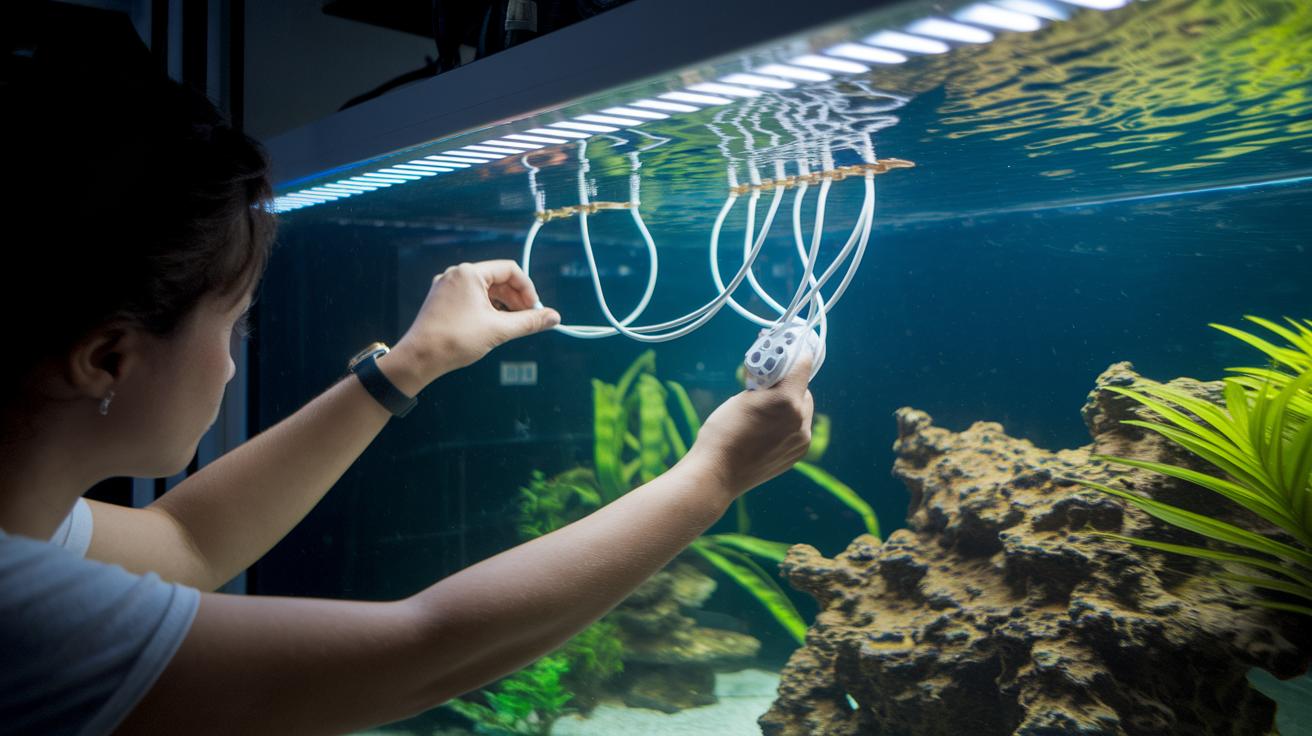
When your aquarium light stops shining as bright as usual, the first step is to check the power supply. Unplug the adapter and give it a close look. Try plugging it into another outlet to make sure the socket isn’t the issue. It’s a bit like testing a new water flow path in your tank, sometimes a change in direction makes everything run smoothly.
Next, have a good look at the cables and connectors. Check for any signs of wear like cracks or burnt spots. If the cables look damaged, or you spot moisture or pinched wires, that might be why your light isn’t working properly. You might even see the light flicker or become dim if the power isn’t steady.
If you’re using a system with a remote control, like an MCR, give the remote a bit more attention. Try using a fresh battery, because a weak battery or a poor remote pairing can stop the light from working like it should.
Sometimes, the problem might be with the timer settings. A quick fix is to power the light off for about 10 seconds, then reset it for an 8-hour cycle. This little reset can clear up any glitches, much like a quick clean periodically does for your tank’s filter. Surge protectors are also a good idea since they help guard against power spikes that might upset your lighting balance.
If your light fixture is over 2 or 3 years old and you still see overheating or constant flickering, it might be time to think about replacing it. Following these steps can save you a lot of hassle and help bring back that lively glow to your aquarium. For more handy tips, check out the emergency aquarium maintenance guide at https://sweetfysh.com?p=3668.
Diagnosing Flickering and Dimming in Aquarium Lighting
Sometimes your aquarium lights might flicker or seem dim, and it can feel as if something beneath the surface isn’t quite right. It might be a sign that the LED circuit is wearing out, the ballast is decaying, or there has been a simple voltage drop. You could also find that a low battery in an MCR remote is causing the output to be all over the place.
To figure out what’s going on, try this friendly checklist:
- Check every power connection and cable to see if any are loose or damaged.
- Use a multimeter to measure the adapter’s output voltage and spot any drops.
- Look over the LED circuit and ballast to detect any decay or faults.
- Replace the remote battery on MCR models to rule out any power issues.
By carefully checking each of these areas, you can quickly pinpoint the source of the problem and restore that steady, soothing glow to your tank lighting.
Power and Wiring Checks for Aquarium Lighting Troubleshooting
First things first, unplug your power adapter and give it a good once-over. Look closely at the adapter and its cables for any signs of trouble, whether it’s a little crack, a damp spot, or even a faint burn mark. It’s a bit like checking your tank’s filter for any clogs that might disrupt the smooth flow of water.
Next, ensure all the connectors are snug and secure. Try plugging the adapter into a different outlet to see if that solves the problem. This easy test helps rule out any issues with the socket, much like making sure the water’s current keeps everything moving steadily in your aquarium.
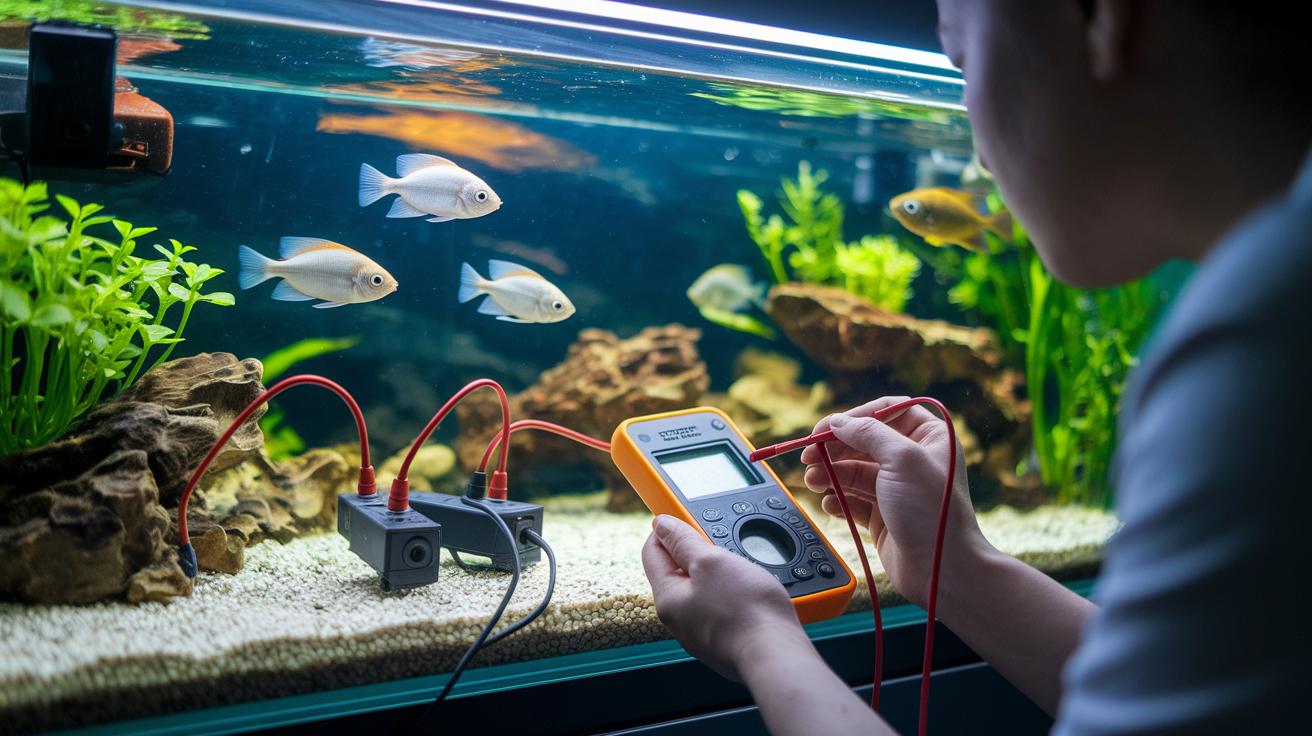
Finally, if you have a multimeter at hand, use it to check that the adapter is outputting a steady voltage, kind of like verifying that your water heaters are keeping the tank at the right temperature.
- Unplug the adapter and inspect it closely.
- Check the cables and connectors for any signs of damage.
- Test the adapter in a different outlet.
- Measure the voltage output with a multimeter.
Repair & Replacement for LED and Fluorescent Aquarium Lighting
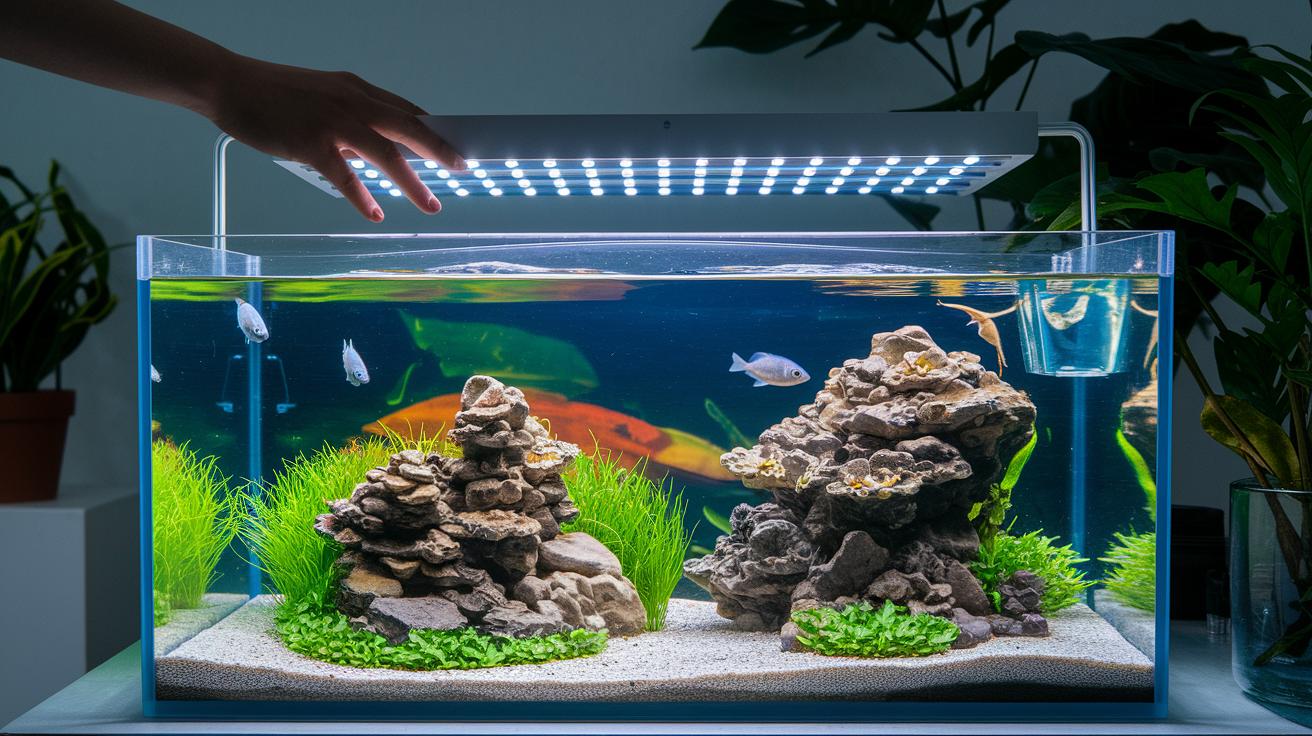
When your aquarium light starts flickering or refuses to turn on, the issue might be hiding in its inner workings. For LED fixtures, a problem with the circuit board, kind of like a tiny brain malfunction, can be the reason your tank loses its sparkle. Sometimes, a small module replacement can bring back the bright, lively glow, much like swapping out an old filter to clear the water. If you notice any overheating or dark, burnt spots on the board, it’s best to call a professional instead of trying a DIY fix.
Fluorescent setups can run into similar troubles. Often, the ballast, the part that helps keep the lights steady, wears out, causing uneven light or constant flickering. A neat trick is to temporarily replace your fixture with one that you know works fine. If the light runs normally with that substitute, it tells you that the ballast or nearby parts aren’t feeling their best.
When your fixture is over 2 or 3 years old and starts acting up, whether it’s unresponsive, overheating, or flickering nonstop, it might be time for a full replacement. Just like upgrading to a better filtration system, a new fixture not only brings consistent lighting for your underwater garden but also lowers the risk of electrical mishaps.
Before jumping into any repair or replacement, do a thorough check of the whole unit. Look at the cables and every component as if you’re giving your aquarium a gentle health check-up. Taking these careful steps keeps your tank’s environment smooth and ensures that soft, soothing light continues to dance over your underwater world.
Preventative Maintenance and Optimal Aquarium Lighting Care
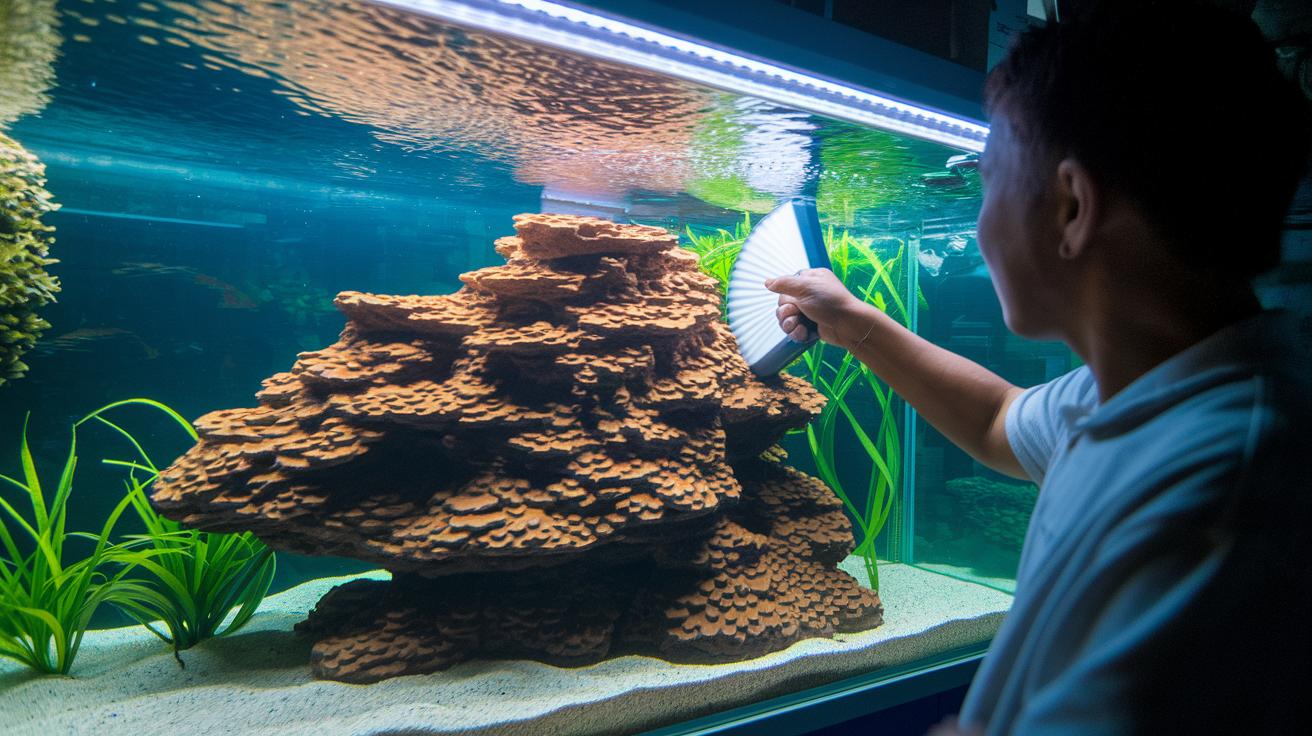
Keeping your lighting system clean is like giving your aquarium a fresh, clear window into an underwater world. Every few months, gently wipe the lens to clear away fine dust, dust off the fixtures, and check the seals to avoid moisture buildup and blurry views.
Make sure your light stays cool by allowing enough airflow or by adding a heat sink. This cooling process is much like ensuring the water flows right in your tank, helping your LEDs keep their brightness for a long time.
I always recommend keeping a journal for your aquarium. Note down the dates you cleaned the lights, any changes in brightness, or when you replaced parts. This habit helps you see small shifts early on and lets you fix issues before they grow.
It’s a good idea to do a full inspection every 3 to 6 months. Here's a simple checklist to follow:
- Wipe the lens every quarter.
- Dust off the fixtures and inspect the seals.
- Check that the ventilation and temperature controls are working well.
- Record your observations in your aquarium journal.
By following these steps, you ensure your aquarium stays bright and inviting, just like a serene, well-tended underwater garden.
Final Words
In the action, you ran through quick power supply tests, cabling inspections, remote resets, and timer recalibrations to fix flickering and dim aquarium lights. You also checked for LED issues and ballast failures and learned when to replace older fixtures. By keeping up with regular cleaning and temperature checks, you can maintain a balanced, steady aquatic environment. Remember, proper aquarium lighting troubleshooting keeps your underwater world bright and inviting for your finned friends!
FAQ
Best aquarium lighting troubleshooting?
The best aquarium lighting troubleshooting starts by checking your power supply, cables, remote system, and timer settings. This quick diagnostic helps identify loose connections or faulty LEDs for immediate fixes.
Fluorescent aquarium light flickering?
The fluorescent aquarium light flickering typically signals a failing ballast or loose wiring. Inspect cables and consider switching out the ballast if wear or damage is found.
How to repair aquarium LED light?
Repairing an aquarium LED light involves checking the LED circuit board, verifying cable connections, and testing the power source. If issues persist or overheating occurs, consider a professional repair or module replacement.
LED fish tank light flickering?
LED fish tank light flickering is usually due to unstable power or loose wiring. A thorough check of the cables and power adapter can pinpoint the issue, often resolved with a secure connection or voltage adjustment.
Why is my fish tank light flashing?
A fish tank light flashing generally indicates unstable power or a timer misconfiguration. Resetting the timer by powering off for about 10 seconds often restores stable illumination.
Aquarium Light Dimmer Controller?
An Aquarium Light Dimmer Controller adjusts brightness by regulating voltage. If it malfunctions, inspect your wiring and power settings, and replace the unit if it continues to cause inconsistent lighting.
Top Fin LED light replacement?
Top Fin LED light replacement is advised when persistent flickering, overheating, or unresponsiveness occurs. Check for failing circuits or damaged parts and swap in a newer module to restore full function.
Why isn’t my aquarium light working?
When an aquarium light isn’t working, common causes include a disconnected power supply, damaged cable, or faulty remote. Double-check these areas with a multimeter to verify stable voltage and proper connections.
How to fix an aquarium light hood?
Fixing an aquarium light hood involves examining connections for loose, cracked, or frayed cables. Secure any faulty wiring and ensure no moisture interferes with the light’s operation.
Why is my fish tank light flashing red?
A fish tank light flashing red typically hints at overheating or voltage issues. Verify that your power source is stable, inspect wiring, and reset the system if needed to calm the alert.